> For the complete documentation index, see [llms.txt](https://docs.goassay.ai/llms.txt). Markdown versions of documentation pages are available by appending `.md` to page URLs; this page is available as [Markdown](https://docs.goassay.ai/list-your-api/zh/ri-chang-shi-yong/see-your-stats.md).
# 查看数据
按工具查看调用、收益和质量,并了解各项数字的统计时段。
检查各工具的流量、收益,以及答案是否符合承诺。比较数字前,先阅读旁边的统计时段。
{% hint style="info" %}
\*\*开始前:\*\*已有产生调用的上架项。[获取收益](/list-your-api/zh/ru-men/get-paid.md)说明成功调用何时成为钱包中的资金。
{% endhint %}
## 操作步骤
{% stepper %}
{% step %}
### 比较本月各工具
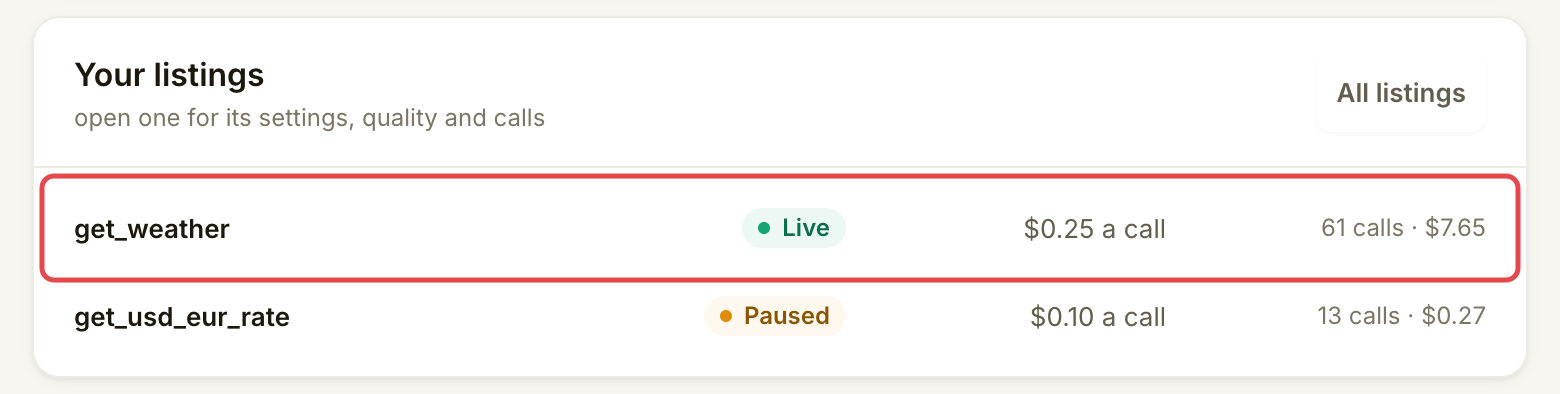
打开 **Home**,找到 **Your listings**。每行显示一个工具在当前 UTC 月份的调用和收益,涵盖你对该工具的所有上架项。借此了解哪些工具贡献了活动,再选择要查看的工具。
{% endstep %}
{% endstepper %}
## 各项数字的含义
| 数字 | 说明 |
| ----------------------------- | ----------------------------------------------------------------------------------------------------------------------------------- |
| Calls | 归属于该工具的流量,不是付费成功次数。 |
| Earned | 扣费后记入的收益。参阅[获取收益](/list-your-api/zh/ru-men/get-paid.md),核对暂扣、未付款或未记入收益的资金。 |
| Failure rate | 指定窗口中,已检查调用被计为失败的比例。请结合显示的承诺和样本量比较。 |
| Passed / Failed | 调用检查记录的结果。打开调用查看原因;这与付款是否已到钱包不同。 |
| **Time we wait for your API** | 你配置的响应截止时限,显示在 **Overview** 的 **Your terms** 下。它不是实测平均延迟。较慢的答案没有收益;[质量与 SLA](/list-your-api/zh/jin-jie/quality-and-sla.md)解释了它如何计算。 |
控制台不显示整个提供方的成功率,也没有平均延迟或延迟百分位图表。请使用 API 自身的监控查看响应时间趋势。连接测试显示的是单次测试请求耗时,并非线上流量的平均值。
## 确认是否成功
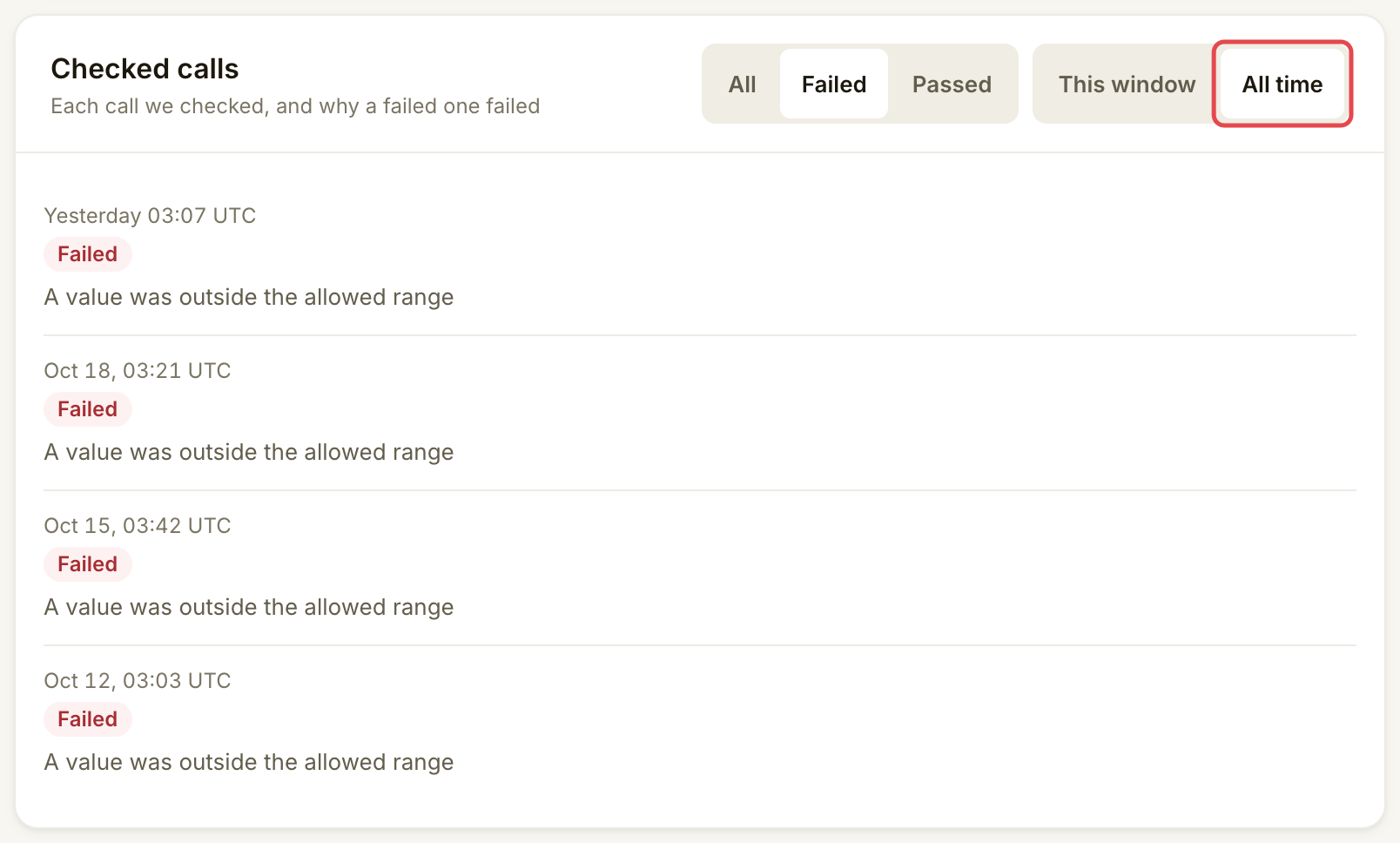
你能说出每项数字对应的工具和时段,并解释已检查调用的结果。控制台使用固定时段:**Home** 和 **Money** 使用当前 UTC 月份,上架项 **Overview** 使用最近 24 小时,**Quality** 使用检查窗口或 **All time**。这些页面没有共用日期选择器。
付款记录和当月导出请参阅[获取收益](/list-your-api/zh/ru-men/get-paid.md)。
## 遇到问题时
| 你看到的情况 | 处理方式 |
| -------------------------------------- | ------------------------------------------------- |
| **Not enough calls yet** | 可以阅读失败率,但要等达到显示的最低样本量后,再将此窗口视为对承诺的判断。 |
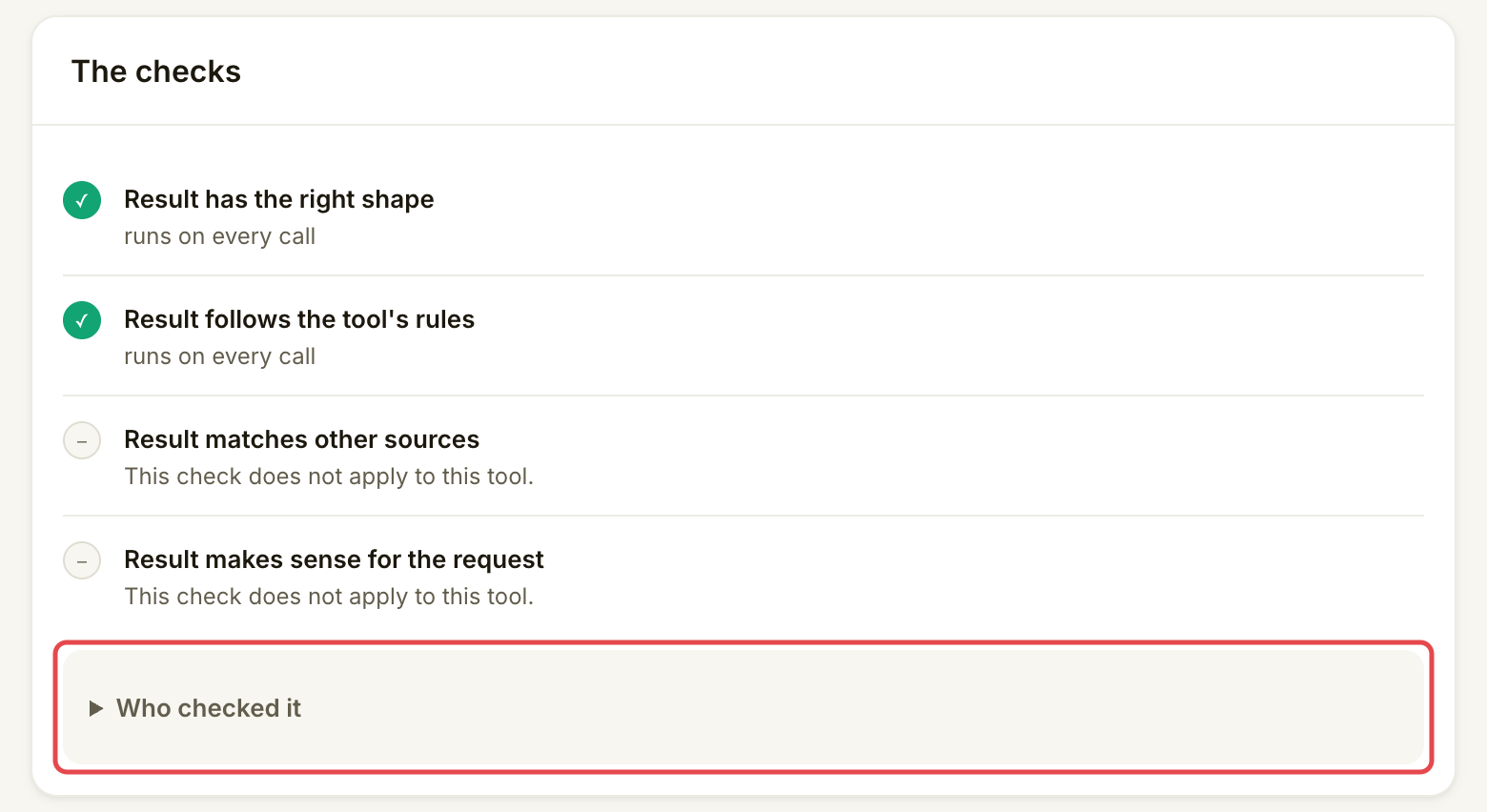
| 有失败调用 | 在 **Checked calls** 下选择 **Failed**,打开对应行,找到失败的检查。 |
| 调用增加,但收益未增加 | 使用 **Money** 比较免费调用、失败调用、暂扣付款和未收取付款。 |
| 两个页面的总数不同 | 核对工具、时段,以及数字统计的是全部活动、已检查调用还是已记入的资金。 |
| **Checked calls could not be loaded.** | 重试。数据缺失不表示失败率为零。 |
## 下一步
* [编辑、暂停或恢复上架](/list-your-api/zh/ri-chang-shi-yong/edit-pause-or-resume-a-listing.md)
---
# Agent Instructions
This documentation is published with GitBook. GitBook is the documentation platform designed so that both humans and AI agents can read, navigate, and reason over technical content effectively. Learn more at gitbook.com.
## Querying This Documentation
If you need additional information that is not directly available in this page, you can query the documentation by asking a question.
Perform an HTTP GET request on the following URL with the `ask` and `goal` query parameters:
```
GET https://docs.goassay.ai/list-your-api/zh/ri-chang-shi-yong/see-your-stats.md?ask=&goal=
```
`ask` is the immediate question: it should be specific, self-contained, and written in natural language.
`goal` is what the user is ultimately trying to achieve, the reason they need the answer. Sharing it helps GitBook give you a better, more relevant answer. A goal is most helpful when it describes the outcome the user wants rather than restating the question. For example, with `ask=how do I create an API token`, a goal like `automate deployments from our CI pipeline` lets GitBook tailor the answer to that use case.
The response will contain a direct answer to the question and relevant excerpts and sources from the documentation.
Use this mechanism when the answer is not explicitly present in the current page, you need clarification or additional context, or you want to retrieve related documentation sections.