> For the complete documentation index, see [llms.txt](https://docs.goassay.ai/llms.txt). Markdown versions of documentation pages are available by appending `.md` to page URLs; this page is available as [Markdown](https://docs.goassay.ai/list-your-api/zh/ri-chang-shi-yong/answer-a-dispute.md).
# 回应不良结果报告
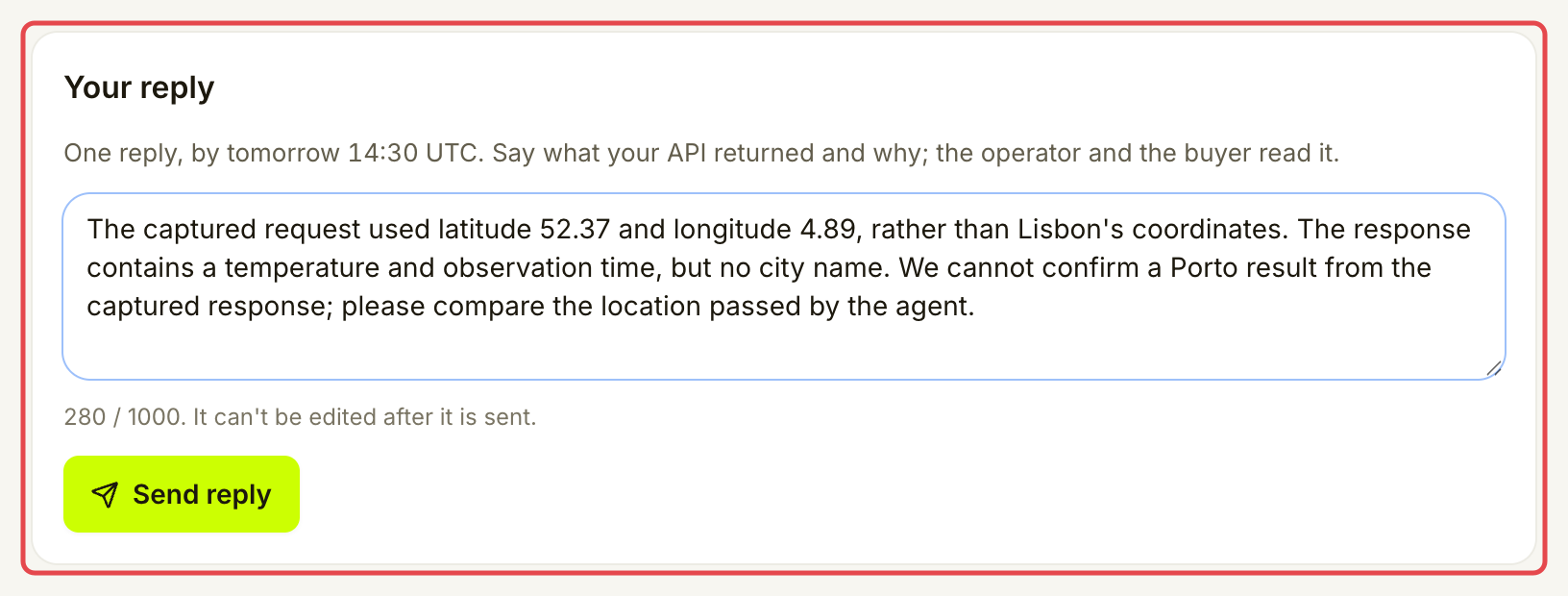
查看客户的不良结果问题报告,在截止时间前发送唯一一次回复。
客户可以报告你的工具提供的结果。控制台称其为 **bad-result report**。请阅读留存的调用,在问题报告提交后 24 小时内说明你的情况。
{% hint style="info" %}
\*\*开始前:\*\*已有关于你提供的调用、尚未处理完的问题报告。[查看收件箱](/list-your-api/zh/ri-chang-shi-yong/check-your-inbox.md)说明提供方紧急事项出现在哪里。[获取收益](/list-your-api/zh/ru-men/get-paid.md)解释付款暂扣。
{% endhint %}
## 操作步骤
{% stepper %}
{% step %}
### 打开问题报告
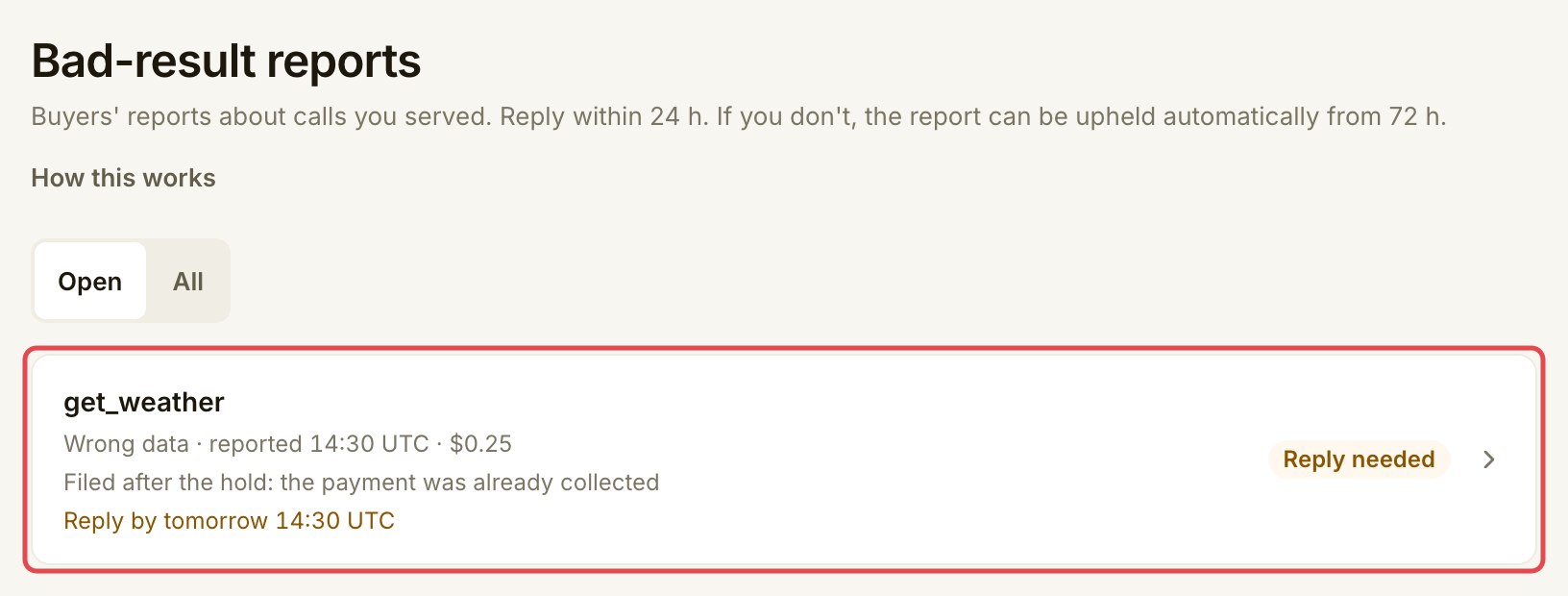
打开 **Inbox**,使用问题报告中的操作,或打开 **Penalties → Bad-result reports**。使用 **Open** 查看未解决的问题报告。选择工具所在行。
{% endstep %}
{% step %}
### 阅读留存证据
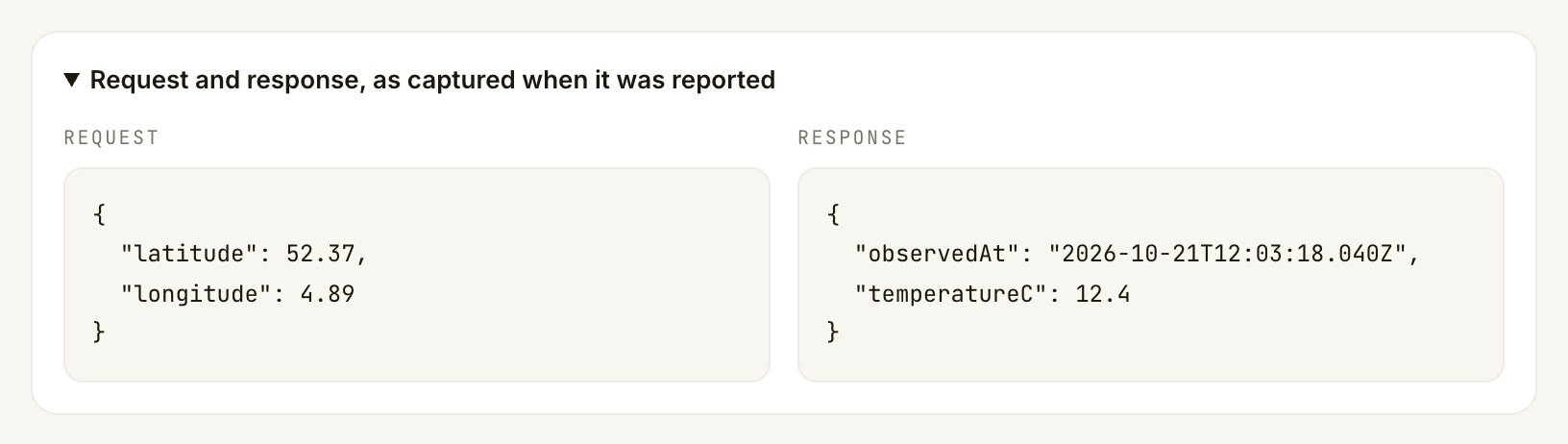
阅读 **What the buyer said**,再打开 **Request and response, as captured when it was reported**。将请求和答案与 API 日志以及工具承诺的返回内容比较。
检查相关事实:请求的地点或日期、返回值、单位和来源时间戳。对于速度投诉,请比较服务的耗时记录。说明应围绕此次调用,不要只泛谈端点的可靠性。
如果页面说明未留存请求和响应,请使用手头已有记录,并说明无法核实的内容。不要编造缺失的响应。
返回 **Bad-result reports → All** 查找已解决的问题报告,再打开查看结果和说明。
| 结果 | 对资金和质量的影响 |
| ------------------ | -------------------------------------------------------------- |
| **Upheld**,在暂扣期内报告 | 暂扣款退回客户,你不会收到此次调用的付款。成立的问题报告会计入上架项的质量表现。 |
| **Upheld**,在收款后报告 | 已完成的结算付款不会被追回。成立的问题报告会计入上架项的质量表现,可能减少 Assay 分配给它的流量。它不会计入质押罚没。 |
| **Rejected** | 投诉不会成为成立的质量问题报告。为该报告暂扣的付款可继续收取,除非已因其他原因退款。 |
| **Withdrawn** | 客户撤回了问题报告。不再等待你回复或对该投诉作出决定。 |
未处理完的问题报告与从质押扣除的罚没不同。认定资金已退款、形成收益或已损失前,请阅读问题报告的支付状态,以及任何独立的罚没通知。
## 遇到问题时
| 你看到的情况 | 处理方式 |
| --------------------------------------------------------- | --------------------------------------- |
| **No open reports** | 使用 **All** 查找较早的问题报告。只能回复关于你提供的调用的问题报告。 |
| **The 24-hour reply window has closed.** | 阅读当前状态。页面不再接受回复;打开问题报告不会延长截止时间。 |
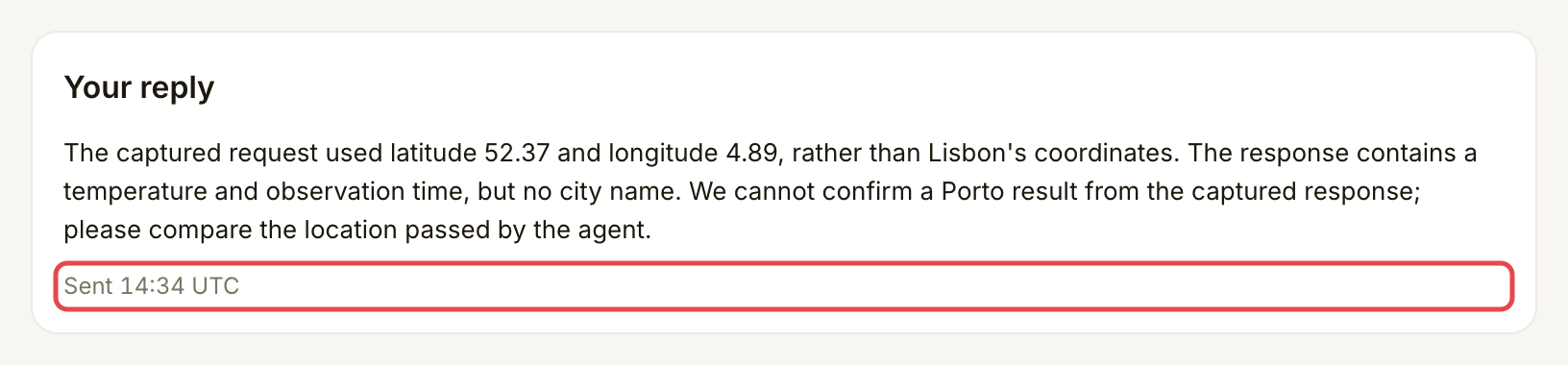
| **A reply was already sent, or the report was decided.** | 重新打开问题报告,阅读保存的回复和状态,再考虑重试。 |
| **The request and response were not kept for this call.** | 使用你自己留存的证据,并在回复中说明其局限。 |
| **This report could not be loaded** | 从 **Bad-result reports** 重试。出错不代表已有决定。 |
## 下一步
* [管理质押](/list-your-api/zh/jin-jie/manage-your-stake.md)
---
# Agent Instructions
This documentation is published with GitBook. GitBook is the documentation platform designed so that both humans and AI agents can read, navigate, and reason over technical content effectively. Learn more at gitbook.com.
## Querying This Documentation
If you need additional information that is not directly available in this page, you can query the documentation by asking a question.
Perform an HTTP GET request on the following URL with the `ask` and `goal` query parameters:
```
GET https://docs.goassay.ai/list-your-api/zh/ri-chang-shi-yong/answer-a-dispute.md?ask=&goal=
```
`ask` is the immediate question: it should be specific, self-contained, and written in natural language.
`goal` is what the user is ultimately trying to achieve, the reason they need the answer. Sharing it helps GitBook give you a better, more relevant answer. A goal is most helpful when it describes the outcome the user wants rather than restating the question. For example, with `ask=how do I create an API token`, a goal like `automate deployments from our CI pipeline` lets GitBook tailor the answer to that use case.
The response will contain a direct answer to the question and relevant excerpts and sources from the documentation.
Use this mechanism when the answer is not explicitly present in the current page, you need clarification or additional context, or you want to retrieve related documentation sections.